> ## Documentation Index
> Fetch the complete documentation index at: https://docs.letters.app/llms.txt
> Use this file to discover all available pages before exploring further.
# Subscriptions & Invoices
> Manage your subscription and payment details in Letters
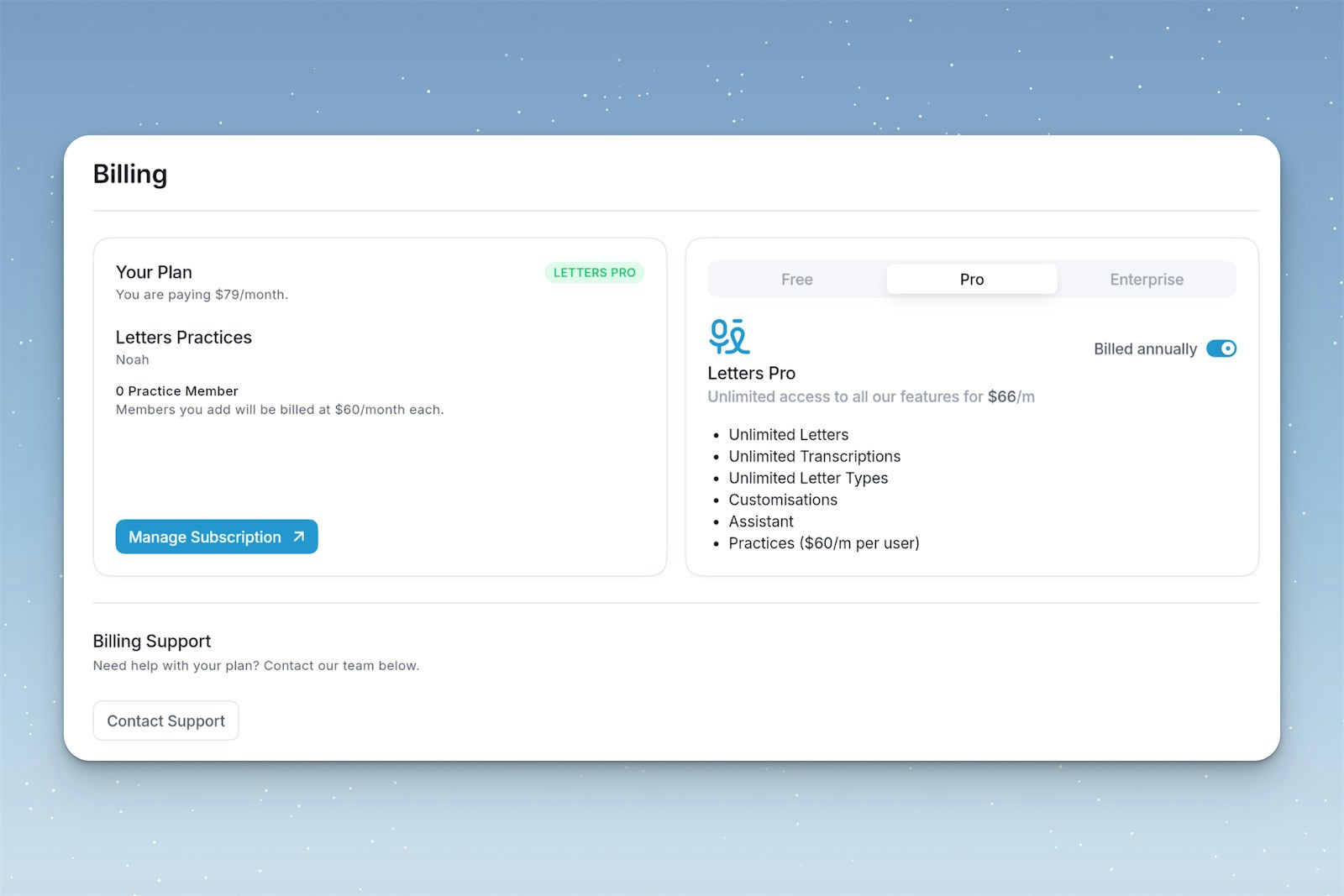
If you're on an active plan, you'll be able to manage your subscription & payment details.
## View Your Invoices & Payment Method
To view and download your invoices, and update your payment method:
1. Go to the **Settings** page.
2. Click the **Billing** tab.
3. Download the invoice by clicking **Manage Subscription** in the top right.
 ## Pricing Enquiries
For more information about our plans, or for enterprise pricing, [contact our team](mailto:hi@letters.app).
## Pricing Enquiries
For more information about our plans, or for enterprise pricing, [contact our team](mailto:hi@letters.app).