> ## Documentation Index
> Fetch the complete documentation index at: https://docs.letters.app/llms.txt
> Use this file to discover all available pages before exploring further.
# Settings
> Manage your profile, preferences, security, and practice in Letters
## Settings Overview
Letters offers comprehensive control over your account and workflow.
### Profile
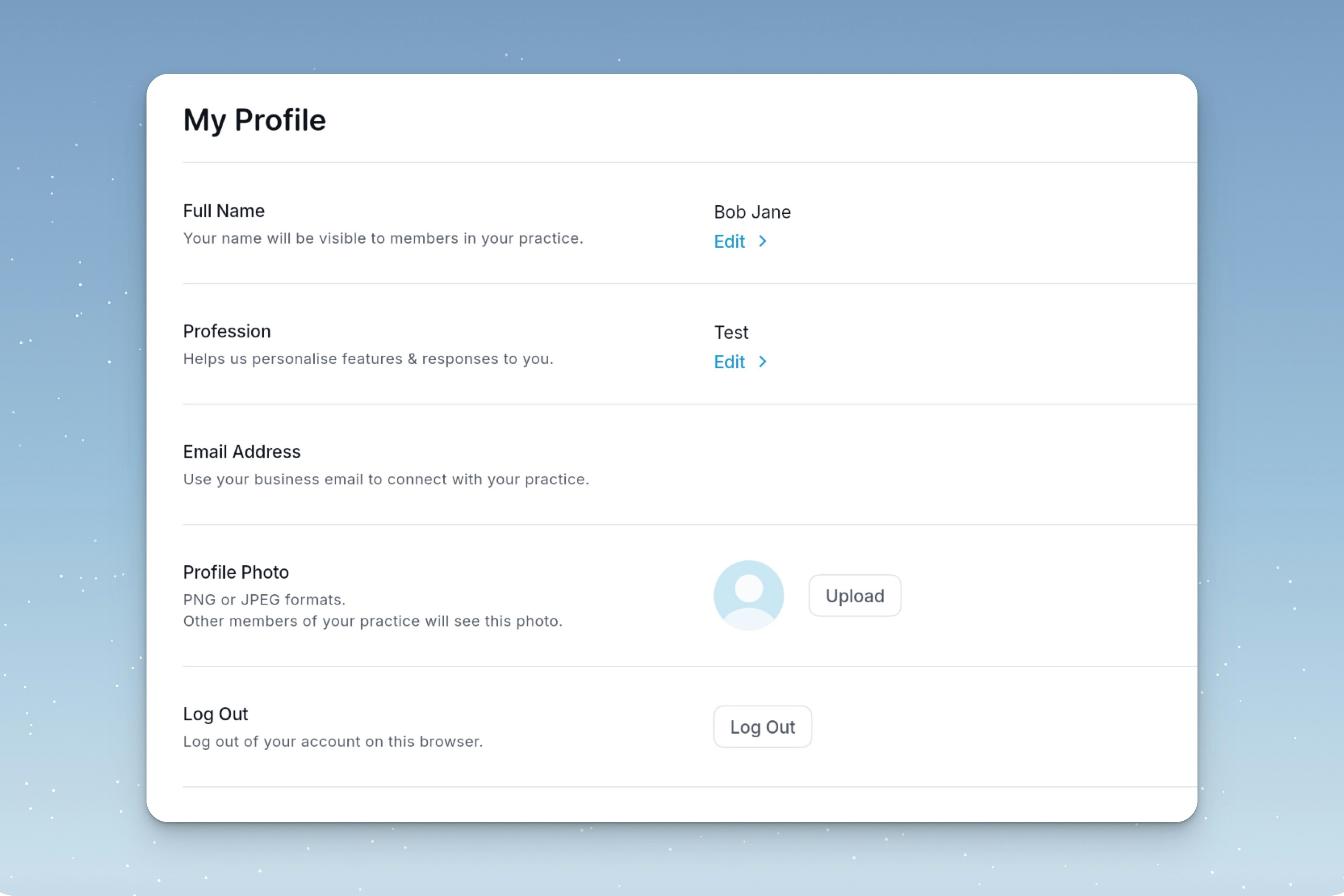
Manage these settings in the **Profile** tab:
* **Name**: Edit your first and last name, then save. Letters will use this across responses.
* **Profession**: Your profession & specialty will be used to tailor outputs.
* **Profile Photo**: This will only be visible to you. If you are part of a practice, this will be visible to the practice owner.
 ### Privacy & Security
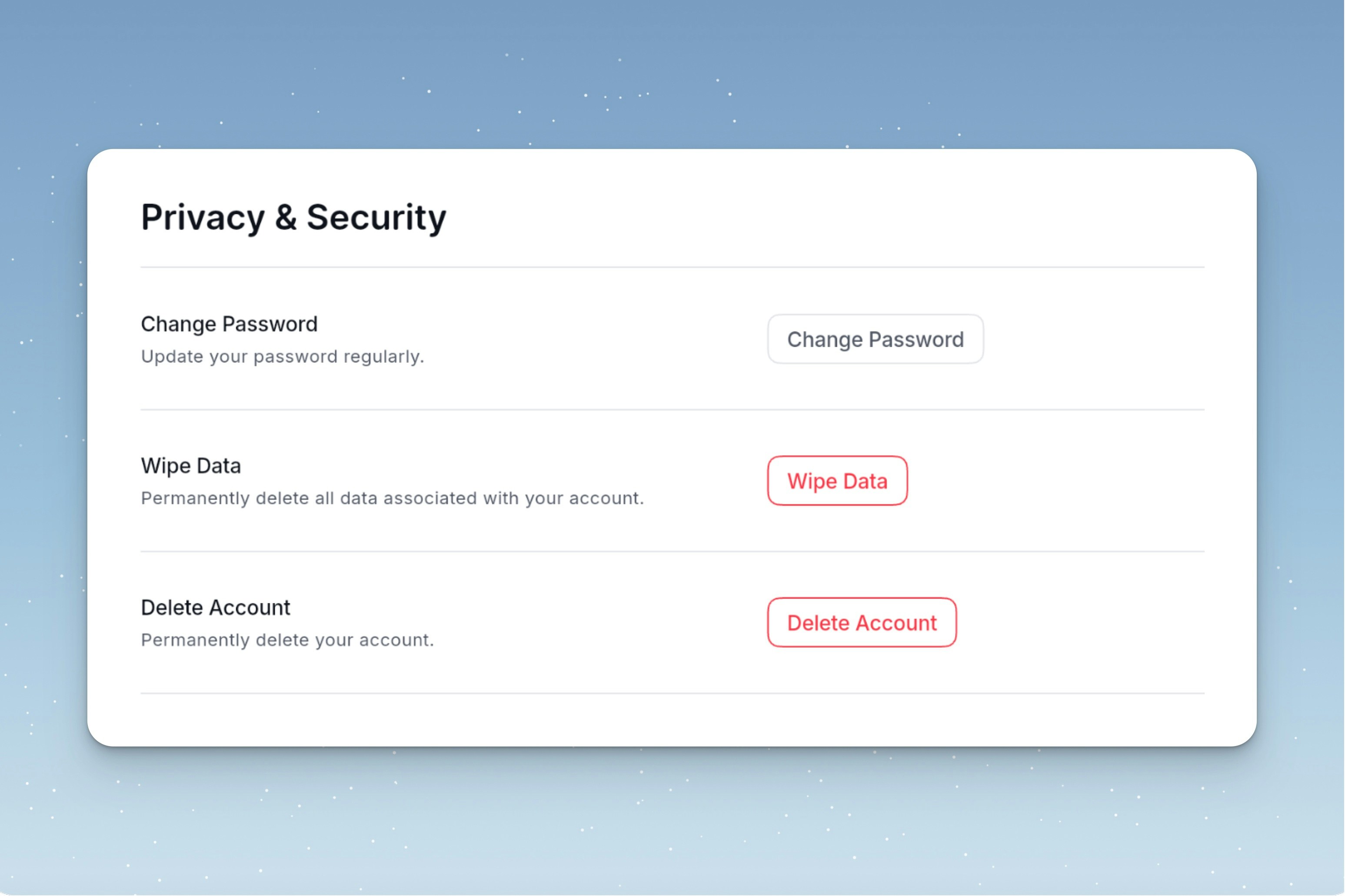
Manage your security & privacy settings.
### Privacy & Security
Manage your security & privacy settings.
 ### Practices
Invite your team to join your [Letters Practice](/practices) for discounted team billing.
### Practices
Invite your team to join your [Letters Practice](/practices) for discounted team billing.