> ## Documentation Index
> Fetch the complete documentation index at: https://docs.letters.app/llms.txt
> Use this file to discover all available pages before exploring further.
# Practices in Letters
> Manage clinicians and admin staff centrally within your practice
## What is a Practice in Letters?
A **Practice** centralises the management of clinicians and admin staff in your clinic. You can view staff statuses, manage billing, and monitor who has a Letters account.
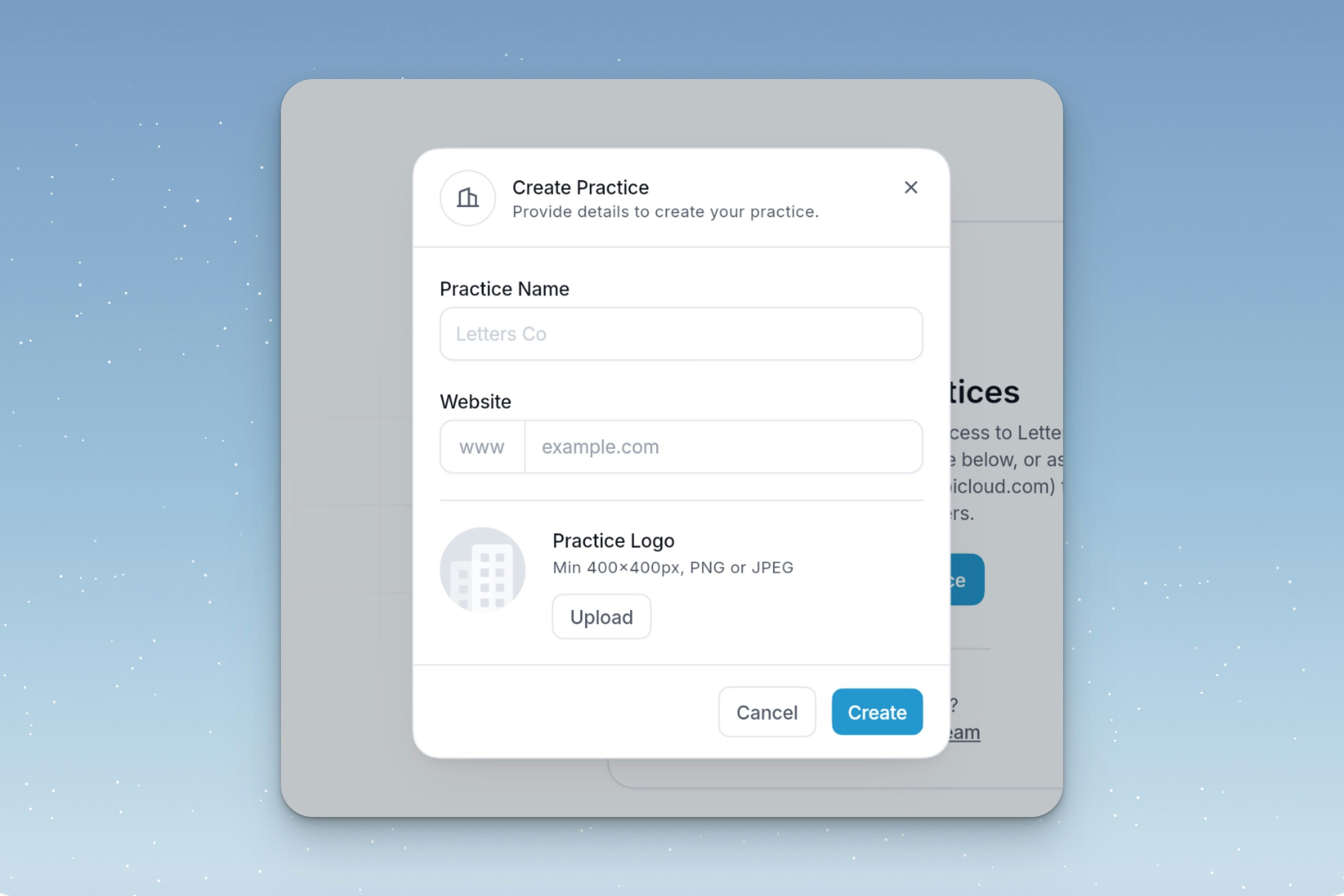
### How to Create a Practice:
1. Go to **Settings → Organisation Settings**.
2. Enter **Practice Name** and **Practice Size**.
3. Click **Create Practice**.
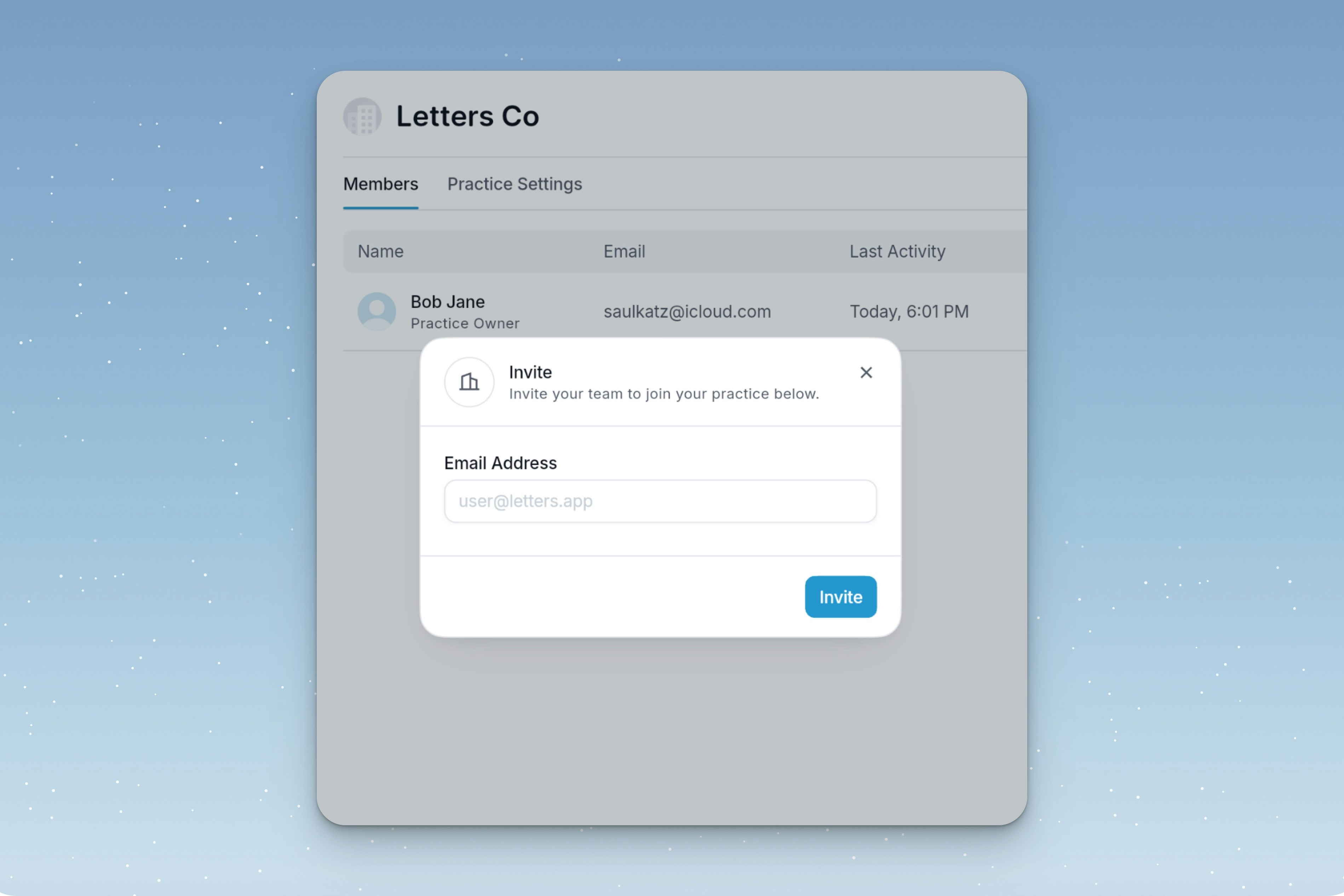
 ### How to Invite People:
* Click **Invite Members**, enter their email, or copy an invite link.
### How to Invite People:
* Click **Invite Members**, enter their email, or copy an invite link.
 ### Billing Management:
1. Go to **Subscription**.
2. Add payment methods and manage billing for full-time and part-time users.
### Billing Management:
1. Go to **Subscription**.
2. Add payment methods and manage billing for full-time and part-time users.