> ## Documentation Index
> Fetch the complete documentation index at: https://docs.letters.app/llms.txt
> Use this file to discover all available pages before exploring further.
# Customising Letters and Features
> Create, upload, and customise your own documents using Letters, Transcribe, and Assistant
## Customise Your Documents
Customisation allows you to tailor aspects of your workflow, such as letter templates, transcription accuracy, and Assistant functionalities. Here’s how you can customise different areas:
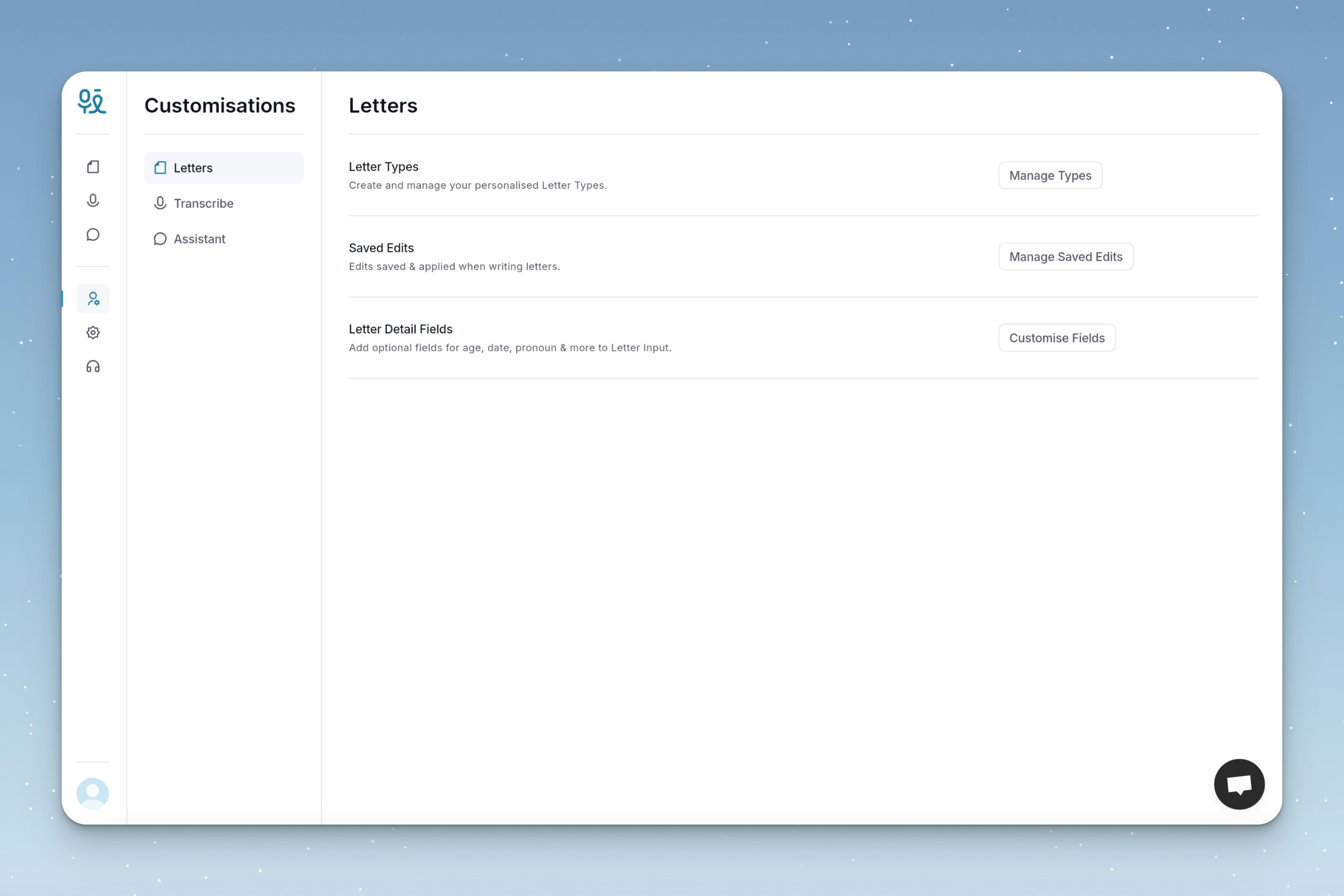 * **Letter Types**: Create and manage your personalised Letter Types.
* **Saved Edits**: Edits saved & applied when writing letters.
* **Letter Detail Fields**: Add optional fields for age, date, pronoun & more to Letter Input.
* **Dictionary**: Add frequently misidentified words to improve accuracy.
* **Custom Intelligence Type**: Give instructions for your own Intelligence Type.
* **Skip Transcript**: Process audio directly into Intelligence for faster processing.
* **Remove Small Talk**: Filter out casual, non-medical conversation from the transcript.
* **Shortcuts**: Create shortcuts for frequently used requests.
* **Memory**: Adjust memory for future conversations.
* **Voice**: Change the voice when using spoken messages.
* **Letter Types**: Create and manage your personalised Letter Types.
* **Saved Edits**: Edits saved & applied when writing letters.
* **Letter Detail Fields**: Add optional fields for age, date, pronoun & more to Letter Input.
* **Dictionary**: Add frequently misidentified words to improve accuracy.
* **Custom Intelligence Type**: Give instructions for your own Intelligence Type.
* **Skip Transcript**: Process audio directly into Intelligence for faster processing.
* **Remove Small Talk**: Filter out casual, non-medical conversation from the transcript.
* **Shortcuts**: Create shortcuts for frequently used requests.
* **Memory**: Adjust memory for future conversations.
* **Voice**: Change the voice when using spoken messages.